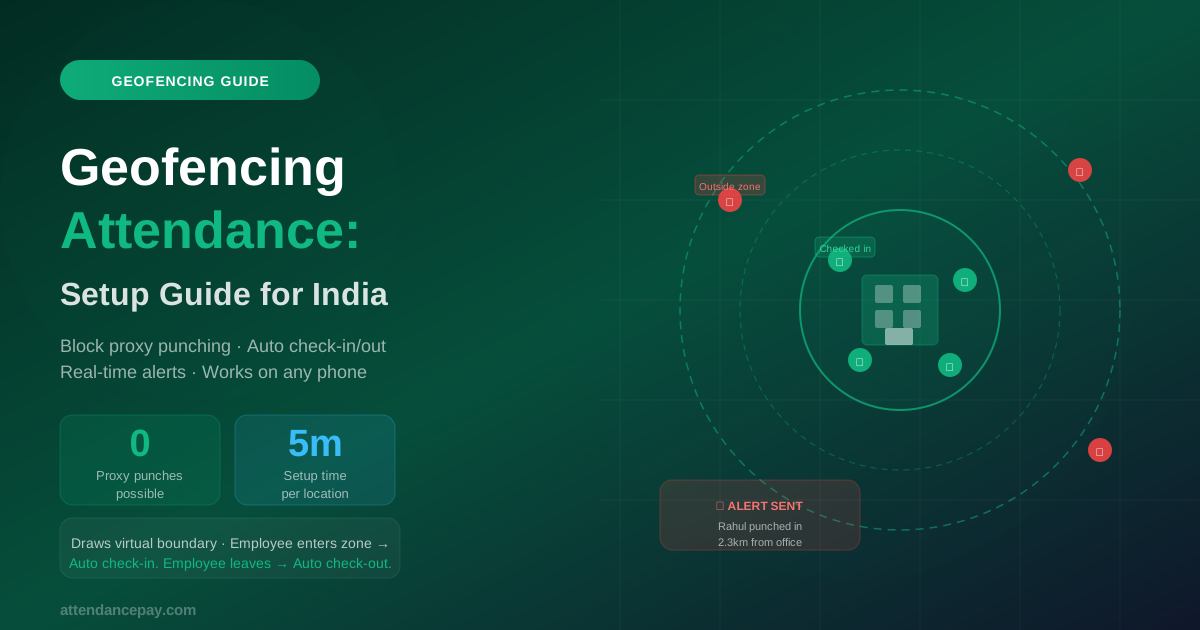
Geofencing is the difference between recording attendance data and enforcing an attendance policy. GPS tells you where a punch happened; a geofence decides whether that location is acceptable. But the feature is only as good as its configuration, and one configuration mistake accounts for most of the complaints we see.
The mistake: one radius for every site
Companies commonly set a single global radius — often 100 or 200 metres — and apply it everywhere. That radius is simultaneously too tight for some sites and too loose for others, and both failures are expensive.
Too tight, and legitimate employees are blocked. A worker entering a factory through the east gate when the geofence is centred on the main office building gets refused, escalates to their supervisor, and the supervisor starts approving exceptions in bulk — at which point the control has stopped functioning while still generating work.
Too loose, and the boundary means nothing. A 500-metre radius in a dense commercial area covers a tea stall, a bus stop and three other offices. Punches from all of them pass.
Sizing a boundary by site type
Treat these as starting points to validate against your own sites, not as rules:
- Single-floor office or clinic (50–100 m). The building footprint plus a small margin for GPS drift. Tight boundaries work here because the site genuinely is small.
- Multi-storey office (100–150 m). Add margin — GPS accuracy degrades on upper floors and inside buildings with heavy structure.
- Retail store in a mall (100–150 m). The mall footprint matters more than the store's. Indoor positioning is poor, so a tight radius produces constant false rejections.
- Factory or plant campus (300–800 m). Size to the perimeter, including all gates and the parking areas staff actually arrive at.
- Construction site (200–500 m, revisited). The working area moves as the project progresses. A boundary set at foundation stage is wrong by the time the structure is up.
- Warehouse or logistics yard (200–400 m). Include the yard and loading bays, not just the office block.
The practical test: stand at every point where staff legitimately begin work — each gate, the parking area, the loading bay — and check whether a punch from there passes. Doing this once per site prevents most of the exception traffic that otherwise arrives in month one.
Flag or block? It depends on the team
This setting exists because the right answer genuinely differs, and choosing wrong is the second most common configuration error.
Block suits fixed-site staff — office, plant, retail — where there is no legitimate reason to start work anywhere else. The rule is unambiguous and enforcement is the point.
Flag suits field staff, service engineers and sales teams, where beginning the day at a client site is entirely normal. Blocking these employees does not improve compliance; it stops them recording attendance at all, and they revert to messaging their manager — which is exactly the informal process you were trying to replace.
A sound default is to block for fixed-site roles and flag for mobile ones, then review the flagged queue weekly. Geofence attendance supports both policies per site, and staff who rotate between branches can be assigned to several locations so a legitimate punch at a second site is not raised as an exception.
When GPS accuracy is the real problem
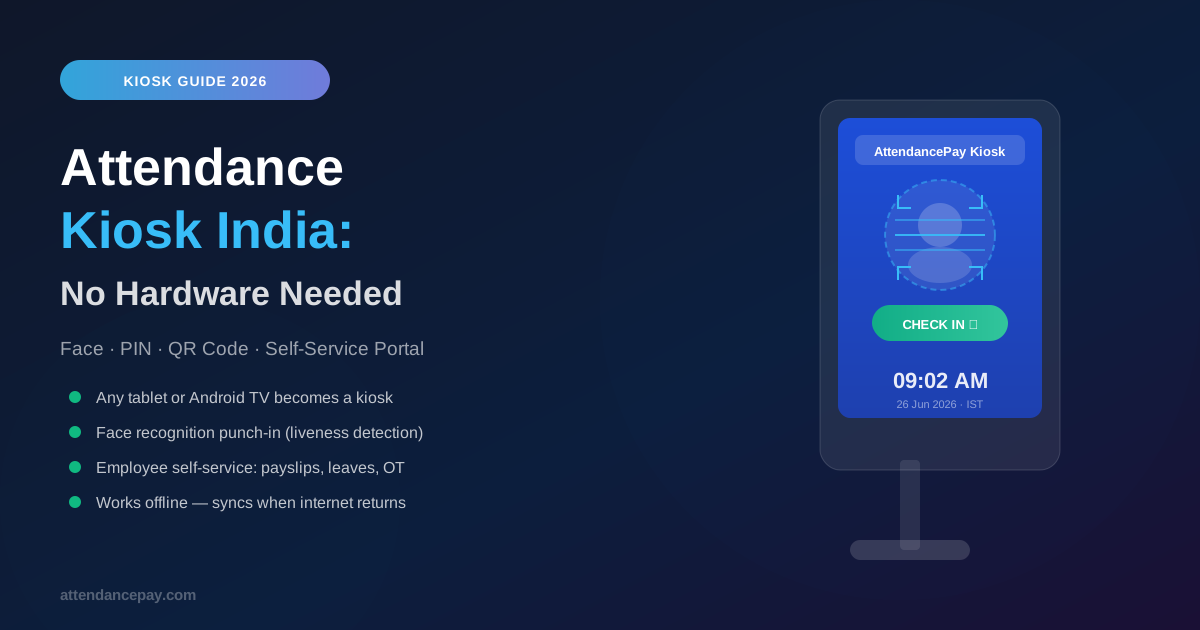
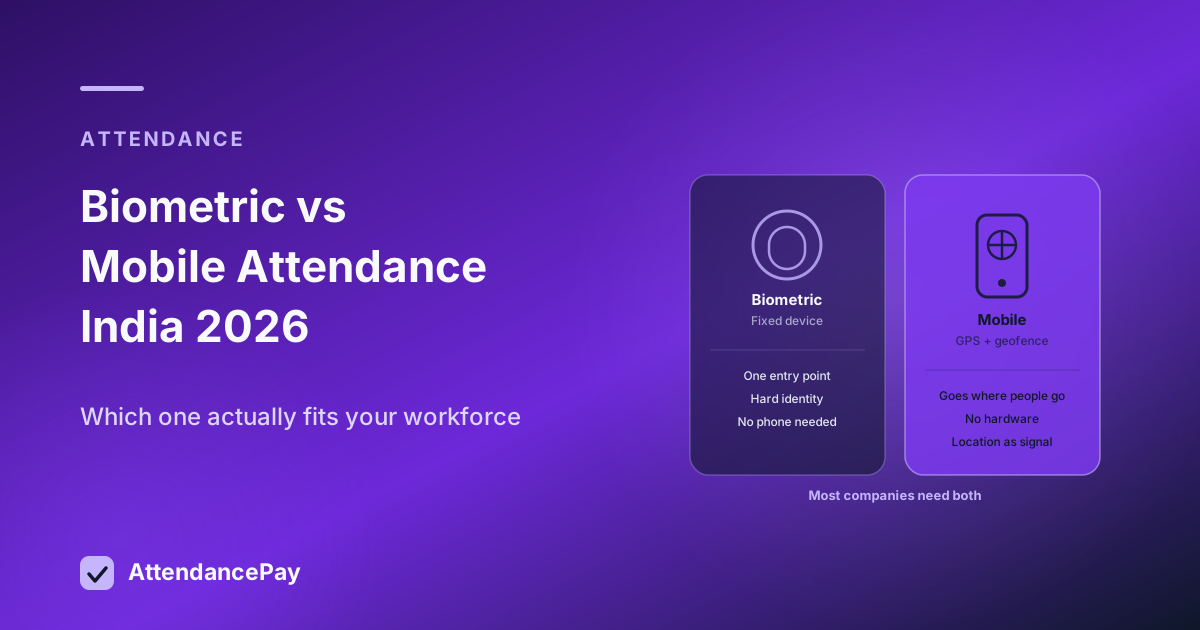
Basements, dense industrial zones and buildings with heavy steel all degrade GPS. A system that treats a low-confidence fix as a definitive in-or-out answer will produce false rejections that no radius can fix. Location accuracy should be assessed before validation, and for sites with consistently poor GPS the honest answer is that geofencing is the wrong primary control — put a kiosk or biometric device at the entry point and use geofencing for the staff who move between locations.
Review the configuration periodically
Geofences are usually set once and never revisited, which is fine until an office moves, a project site progresses, or a new gate opens. A quick annual review against the flagged-exception report catches most drift: a site generating a disproportionate share of exceptions almost always has a boundary problem rather than an employee problem.