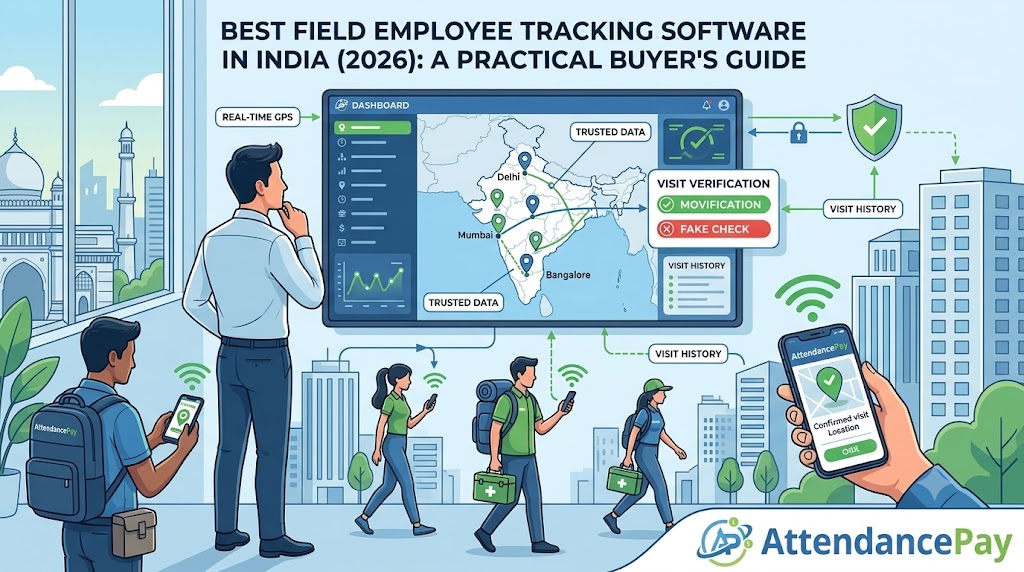
If you have field staff — sales reps, distributors, merchandisers, medical reps — you have almost certainly typed “field employee tracking software” into Google. And you have almost certainly found forty products that all promise the same thing: a dot on a map showing where your rep is.
Here is the uncomfortable truth: the GPS dot is the easy part. Every tool has it. The dot tells you where the phone is. It does not tell you whether the visit was real, whether the customer was actually met, or whether the day was productive. This guide is about the questions that separate a tool your reps quietly sabotage from one that actually improves your field operation.
1. Can the data be trusted — or just collected?
Collecting a GPS coordinate is trivial. The real test is whether that coordinate can be faked, and whether the software notices when it is.
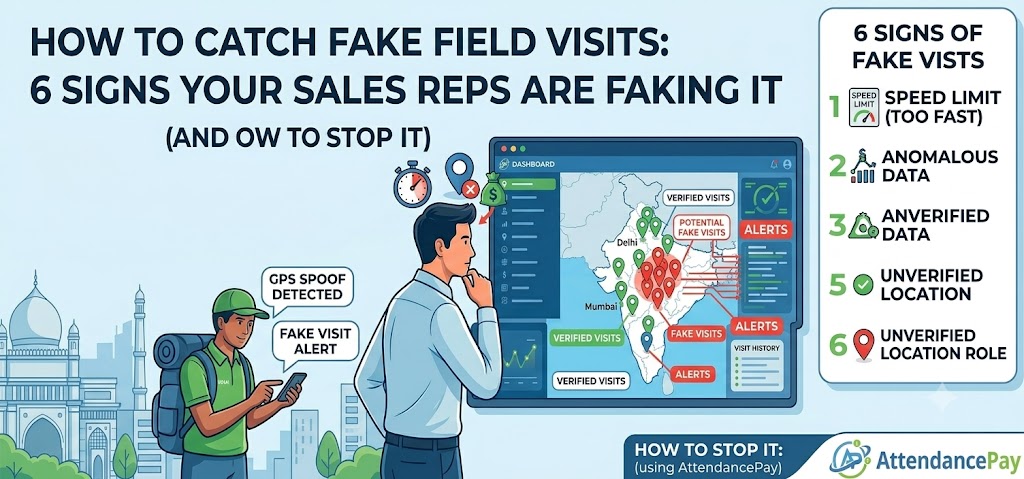
- Mock-GPS detection. Free apps let a phone report any location it likes. If your tracking software can’t tell a real fix from a spoofed one, your “GPS-verified” visits are worth nothing. Ask the vendor directly: do you detect mock-location apps?
- Immutable timestamps. If a rep — or a manager — can edit the check-in time after the fact, the timestamp is decoration, not evidence. The check-in and check-out on a real system are locked the moment they’re captured.
- Live photo vs. gallery photo. A “shopfront photo” pulled from the phone’s gallery could be from any day, any place. Good software knows the difference between a photo taken live and one picked from storage.
2. The loophole almost every buyer forgets
Here is the single most overlooked question in field tracking, and it catches out even experienced buyers. Most tools verify a visit by measuring the distance between the rep and the customer’s saved location. Sounds solid. But ask this: who set the customer’s location in the first place?
On most systems, the customer’s coordinates are captured from the rep’s own phone on their first visit. Think about what that means. A rep who logs their very first “visit” from home permanently anchors that shop at their house — and every fake visit afterward measures zero metres away and sails through the distance check. The fraud detection is certifying itself.
The fix is simple but rare: the system should record who set each location, treat a rep-set pin as unverified, and let an admin confirm the real shop location on a map. AttendancePay’s field visit reporting flags exactly this case — a visit that passes the distance check against a location the same rep set is marked for review, not waved through.
3. Will your reps actually use it?
The best-verified tool is useless if your field team fights it. Two things decide adoption:
- Flag, don’t block. A rep standing in a crowded market with weak GPS is the normal case, not the fraud case. Software that blocks a visit over a bad signal generates support tickets and quiet resentment. Software that lets the visit through and flags it for a human keeps the team on-side.
- Works offline. Godowns, basements, rural beats — signal drops constantly. If the app loses a half-filled form the moment the network dies, reps stop trusting it. It must save locally and sync later.
4. Does it fit the rest of your operation?
Field tracking that lives in its own silo creates a second login, a second app and a second monthly reconciliation. The questions worth asking:
- Is it a separate app, or part of the attendance app your team already opens every morning?
- Do field expenses (petrol, food, lodging) flow into your existing payroll and approval flow — or do you reconcile them separately?
- Can you configure the visit form to your industry? An FMCG rep and a pharma rep should not be asked the same questions.
5. Which reports will you actually open?
Vendors love to list twenty reports. In practice you will open two or three. Make sure these exist:
- Conversion and cost per order — not just visit counts. Busy is not the same as effective.
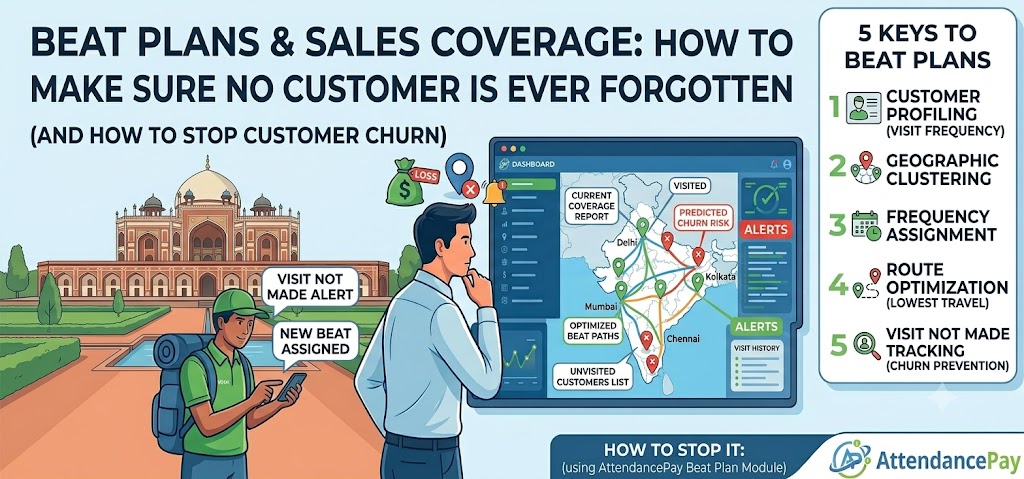
- Coverage — which customers have not been visited in 30 days. This is the churn early-warning, and the one number a rep cannot improve just by logging more visits.
- Flagged visits — the handful that need a human to look, so your manager isn’t reading two hundred clean ones.
A quick buyer’s checklist
- ☐ Detects mock/spoofed GPS
- ☐ Check-in time & location locked after submission
- ☐ Distinguishes live photos from gallery photos
- ☐ Records who set each customer’s location (and flags self-set pins)
- ☐ Flags suspicious visits rather than blocking them
- ☐ Works offline and syncs later
- ☐ Configurable visit forms per industry
- ☐ Expenses flow into payroll
- ☐ Coverage / churn report, not just visit counts
The bottom line
Do not buy the tool with the most features. Buy the tool whose data you can trust and whose app your reps will actually use — because unverified data and an abandoned app cost you far more than any missing feature.
See how it works: AttendancePay Field Visit Reporting gives you GPS-verified visits, fake-visit detection, configurable forms and coverage reports — inside the same attendance app your team already uses. Start a free trial and log your first verified visit today.