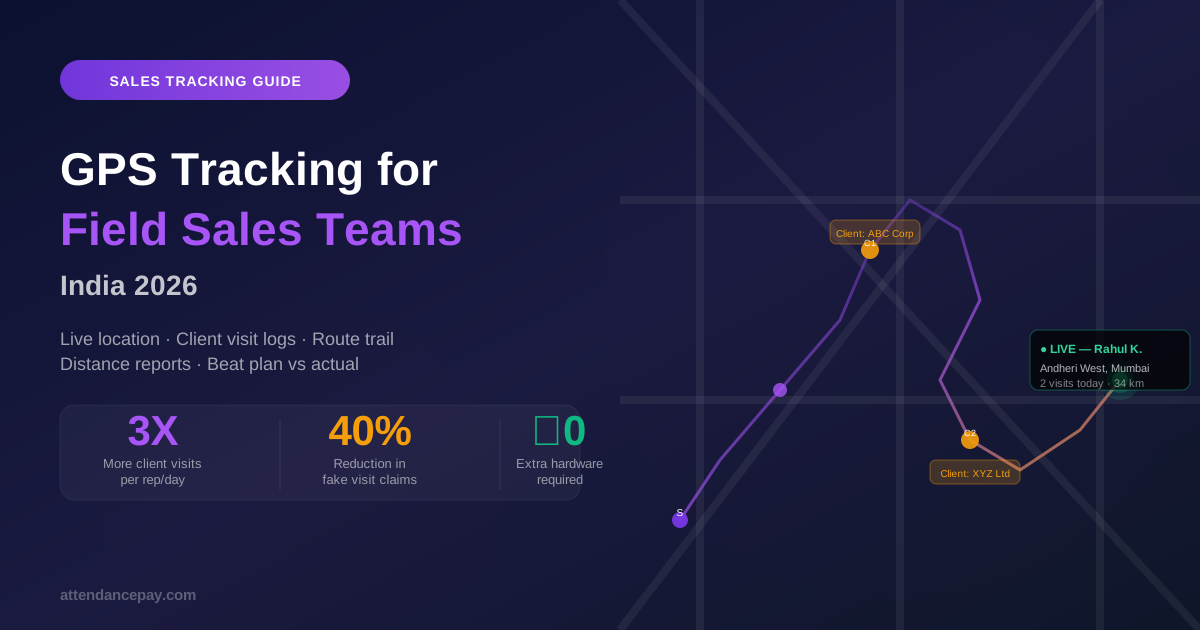
Open any employee tracking map at the end of a working day and you will find holes in the trail. Twenty minutes here, forty there, occasionally a stretch of two hours with nothing at all. The natural reading is that the employee turned something off.
That reading is usually wrong, and acting on it is expensive. Accuse someone of disabling their location when the actual cause was a battery optimiser, and you lose the argument, the employee's trust, and any chance of them cooperating with the system afterwards. Fail to distinguish the causes at all, and the tracking data stops being evidence of anything.
This is a field guide to what actually produces gaps, roughly in order of how often each one is responsible, based on what we see across live deployments.
1. The employee was stationary, and the system filtered it out
This is the largest single cause, and it is not a fault — it is a design decision that is usually invisible to the person reading the map.
Continuous location tracking is expensive in battery and in data. Nearly every tracking system therefore filters: it discards points that have not moved more than some minimum distance from the last recorded one, commonly in the range of twenty to a hundred metres. The intent is sensible. Recording four hundred identical points while someone sits in a customer's waiting room adds cost and no information.
The side effect is that a stationary employee produces no points, and no points looks exactly like no tracking. A rep in a two-hour meeting and a rep whose phone died render identically on a naive map.
How to tell: a good tracking system distinguishes the two by recording a low-frequency heartbeat even when the device has not moved — a periodic "still here, still reporting, still at this location" signal. If the heartbeats are present through the gap, the employee was stationary and the system knows it. If they stop too, something genuinely broke.
This distinction is worth checking explicitly when evaluating any tracking product, because plenty of them capture heartbeats and then exclude them from the displayed trail, which reintroduces the exact ambiguity the heartbeat was meant to resolve. The map should show a dwell — a marker saying "stationary here for 1h 50m" — not an absence.
2. The operating system deferred or killed the app
Both Android and iOS treat background location as a privilege to be managed, not a promise to be kept, and their behaviour is deliberately not fully documented.
On Android, aggressive battery management — particularly on Xiaomi, Oppo, Vivo, Realme and OnePlus devices, whose manufacturer layers are considerably more aggressive than stock Android — will suspend or terminate a background app that it judges to be consuming too much power. The employee is not asked and is not notified. Doze mode does something similar when a device has been stationary and unplugged for a while, batching or deferring background work until the next maintenance window.
On iOS, the system decides when to deliver background location callbacks and will lengthen the interval based on battery state, motion and its own scheduling. An app that asks for a point every thirty seconds will not reliably get one every thirty seconds when backgrounded, regardless of what it requests.
How to tell: gaps from OS behaviour tend to correlate with low battery, with long stationary periods, and with specific device manufacturers across your workforce. If one employee has gaps every day and their colleagues on the same route do not, look at the handset before looking at the person. Most of these are fixable by exempting the app from battery optimisation on the affected devices — a two-minute change in device settings that resolves a surprising share of "tracking is unreliable" complaints.
3. The points existed but arrived late
Field employees work in basements, lifts, industrial areas and rural stretches with no usable data connection. A well-built tracking app captures locations regardless and queues them on the device, uploading when connectivity returns.
The critical detail is what timestamp survives. If the queued points are stored with the time they were captured, the trail reconstructs correctly once they arrive — the gap closes retrospectively. If they are stamped with the time they were uploaded, you get a worse artefact than a gap: forty points all claiming to be from 4:15pm, and a trail that teleports.
How to tell: look at the same day again the following morning. If the gap has filled in, it was a connectivity gap and the system handled it correctly. This is also why judging tracking quality from a live map during the day is misleading; the live view is necessarily incomplete.
4. Tracking was not supposed to be running
Responsible tracking is bounded by the attendance session — it starts at punch-in and stops at punch-out — and by consent granted explicitly before background location begins. So a gap between 1:00pm and 1:45pm might simply be an employee who punched out for lunch.
This is the cause that most often gets misread as evasion, because the manager looking at the map is not looking at the attendance record beside it. Any gap should be read against the punch session first, before any other explanation is considered.
It is worth stating the principle plainly: a system that records location outside working hours creates a privacy problem, a compliance problem and an adoption problem at the same time, and employees who feel over-surveilled become extremely good at defeating tracking. Bounding tracking to the punch session is not a limitation to be worked around. It is what makes the data defensible.
5. Location was genuinely disabled
This does happen. An employee revokes location permission, switches the phone to airplane mode, or force-stops the app.
It is last on this list deliberately. In our experience it accounts for a minority of gaps, and in most fleets a small one. Treating it as the default explanation — which is what a system does when it labels every gap "location disabled" — means the majority of your alerts are accusations that turn out to be wrong, and people stop reading them.
How to tell: a permission revocation is detectable by the app itself and should be reported as a distinct signal, not inferred from silence. The difference between "we observed the permission being withdrawn" and "we received nothing and assume the worst" is the difference between a fact and an insinuation.
The design principle: absence of data is not data
Everything above reduces to one rule. A tracking system should never present a gap as a bare hole and let the reader supply the explanation, because the explanation readers supply is almost always the accusatory one, and it is usually wrong.
What a gap should carry instead:
- Its cause, where the cause is known — stationary, no connectivity, permission withdrawn, app terminated — and an honest label such as "unexplained" where it is not. A guessed cause presented as a certain one is worse than no cause at all.
- Its confidence. "Confirmed: device reported permission revoked" and "Inferred: no data, device was at low battery" are different claims and should not look the same.
- Visibility to the employee. If the employee can see that their own device stopped reporting at 11:20am, most of them will fix it that morning. If only the manager sees it, it becomes a month-end confrontation about something nobody can now reconstruct.
The last point is the one companies resist and the one that pays off most. Tracking that is visible to the tracked person is treated as a tool. Tracking that is visible only to management is treated as surveillance, and people manage surveillance rather than cooperating with it.
What to check on your own deployment
- Pick three employee-days with large gaps. For each, determine the cause from the data alone. If you cannot, your system is not recording enough to be relied on.
- Check whether stationary periods appear as dwells or as holes.
- Re-open yesterday's map today and see how much filled in. That difference is your connectivity backlog.
- Cross-reference gaps against handset manufacturer. Clusters point at battery optimisation, not at people.
- Confirm tracking actually stops at punch-out — and verify it server-side, not just in the app.
- Ask whether employees can see their own tracking status. If not, that is the cheapest improvement available.
Done properly, gaps stop being a source of suspicion and become a maintenance signal: a list of devices needing a settings change, not a list of people needing a conversation. That is what workforce visibility should deliver — answers with their reasoning attached, rather than dots with holes between them. Our guide to live employee tracking covers how the trail, distance and visit records are assembled once the underlying data is trustworthy.